XAPK to APK Converter Android: Convert on Your Phone Without PC
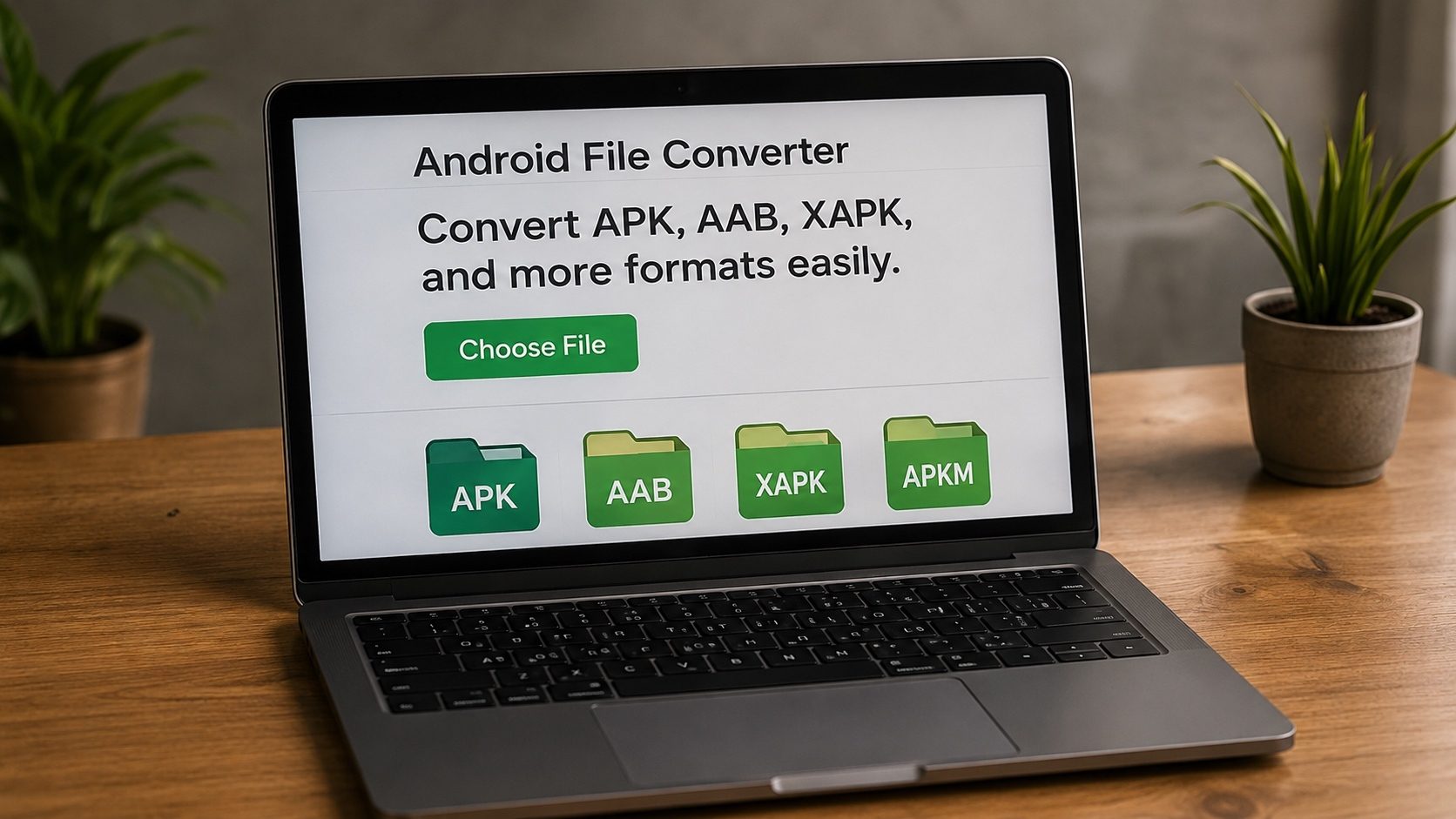
You went looking for a game or app on a third-party site, tapped download, and ended up with an .xapk file instead of the plain .apk you expected. Then comes the annoying part, Android won't install it directly. To get around that you need an XAPK to APK converter for Android that can pull the installable APK out of the XAPK package right on your phone, with no computer involved.
Below are the methods I'd actually recommend for converting XAPK on a phone in 2026, starting with our free online tool and moving on to dedicated apps. They work on Samsung, Xiaomi, OnePlus, Pixel, and just about any device running Android 10 through Android 16.
Key Takeaways
- You can convert XAPK to APK on Android without a PC using browser-based tools.
- The XAPK to APK converter for Android at xapktoapk.com works in Chrome, Firefox, Edge.
- File managers like ZArchiver can manually extract APK from XAPK.
- XAPK installer apps like SAI can install XAPK files directly without conversion.
What is XAPK and Why Can't Android Install It Directly?
An XAPK file is a bundle that contains one or more APK files plus OBB (expansion) data, all packaged into a single .xapk archive. While Google Play handles this multi-file delivery automatically through App Bundles, third-party sources package everything into XAPK for convenience.
Android's built-in package installer only recognizes .apk files. That's why you need an XAPK to APK converter Android app or tool to extract the base APK from the XAPK container before installation.
Method 1: Online Converter (Recommended)
The fastest way to convert XAPK to APK on Android is using our free browser-based tool. No app installation required, it works entirely in your mobile browser:
- Open xapktoapk.com in Chrome or Firefox on your Android phone.
- Tap the upload area and select your .xapk file from your Downloads folder.
- Wait a few seconds for the conversion to complete (everything processes on your device).
- Tap Download APK to save the extracted APK.
- Open the downloaded APK to install it (enable "Install from Unknown Sources" if prompted).
This method works on all Android phones including Samsung Galaxy, Xiaomi, OnePlus, Google Pixel, Oppo, Vivo, Huawei, and more. No root required.
Method 2: Using ZArchiver (File Manager)
ZArchiver is a popular free file manager for Android that can open XAPK files since they're essentially ZIP archives:
- Install ZArchiver from Google Play Store.
- Navigate to the folder containing your .xapk file.
- Long-press the .xapk file and select "View".
- Inside, you'll see files like
base.apk,config.*.apk, and*.obb. - Extract
base.apk, this is your installable APK. - For games with OBB, copy the OBB file to
/Android/obb/[package-name]/.
Method 3: SAI (Split APKs Installer)
Instead of converting, you can install XAPK files directly using SAI (Split APKs Installer):
- Install SAI (Split APKs Installer) from its official source, the project's GitHub releases page or F-Droid.
- Open SAI and tap "Install APKs".
- Change file type filter to show XAPK files.
- Select your .xapk file, SAI will install all split APKs and copy OBB files automatically.
SAI is particularly useful when XAPK contains multiple split APKs (like different DPI configurations or ABI splits for arm64, arm, x86).
Method 4: Use ADB from a Computer
For users with a USB cable and a computer, Android Debug Bridge (ADB) is the most direct way to install
split-APK or XAPK packages without any installer app. Enable USB debugging in Developer options
on the phone, extract the XAPK to a folder, and run
adb install-multiple base.apk split_config.*.apk from a terminal. OBB data can be copied to
the device with adb push main.<version>.<package>.obb /sdcard/Android/obb/<package>/.
Compatibility Notes for Android Versions
Our XAPK to APK converter for Android works on all modern Android versions:
- Android 10-12: Standard XAPK conversion and installation works smoothly.
- Android 13-14: Minor permission changes, you may need to grant "Install from Unknown Sources" per-app in Settings.
- Android 15-16: Scoped Storage restrictions apply. Use our online tool or SAI for the smoothest experience. When using ZArchiver, extract files to your Downloads folder.
Tips for Safe XAPK Conversion on Android
- Verify the source: Use XAPK files only from legitimate origins, your own builds, open-source projects' official release pages, or beta builds provided directly by the application's developer. Avoid sites that re-host paid or copyrighted apps.
- Check the APK: After conversion, use our APK Verifier to ensure the signature is authentic.
- Review permissions: Use our APK Info tool to inspect what permissions the app requests before installing.
- Scan with VirusTotal: Upload converted APK files to VirusTotal for a multi-engine malware scan.
Frequently Asked Questions
Can I convert XAPK to APK on Android without root?
Yes! All methods described in this guide work without root access. Our online converter, ZArchiver, and SAI all run on non-rooted devices.
What's the best free XAPK to APK converter for Android?
Our web-based converter at xapktoapk.com is the best option, it's free, requires no app installation, works offline in the browser, and processes files with complete privacy (no uploads).
Will the converted APK include OBB data?
The APK itself won't contain OBB data. Our converter extracts both the APK and OBB files separately. For games, you'll need to manually place the OBB file in /Android/obb/[package]/ on your device.
Conclusion
Converting XAPK to APK on Android is easy enough once you've picked the method that fits you. The free online converter is the fastest route, ZArchiver is there if you'd rather extract things by hand, and SAI installs XAPK packages directly, so any XAPK file on your phone is manageable without ever reaching for a PC. Just keep to files from sources you trust, your own builds, official open-source release pages, or apps you legally own, and check the APK signature before you install.